Military sendoff
From the whole unit,
wherever everyone is now.
A PCS, a separation, a retirement, a change of command. The people who served with them are spread across bases and time zones. Sendoff gives them one link to add to, and keeps it sealed until the day.
Coming soon to the App Store.
Organizers start one in the iPhone app. Everyone else just needs the link.

Military sendoff
Chief Rivera
From the whole command
How it works
Four steps, one link.
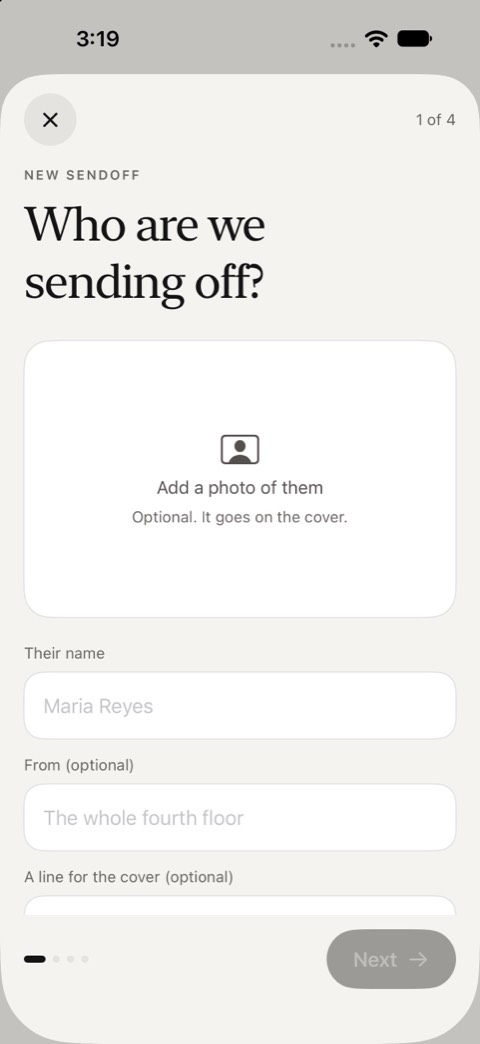
Start it in the app
Who it is for, a photo if you like, and when it opens: on a date, or when you say. It takes a couple of minutes on iPhone.
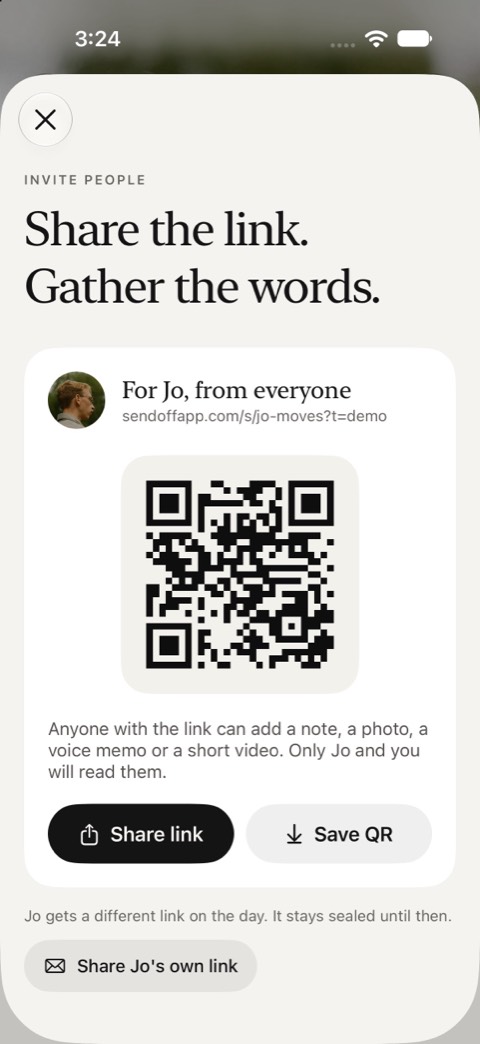
Share one link
Send it wherever your group talks, or print the QR card for the break room or the inside of a real card.
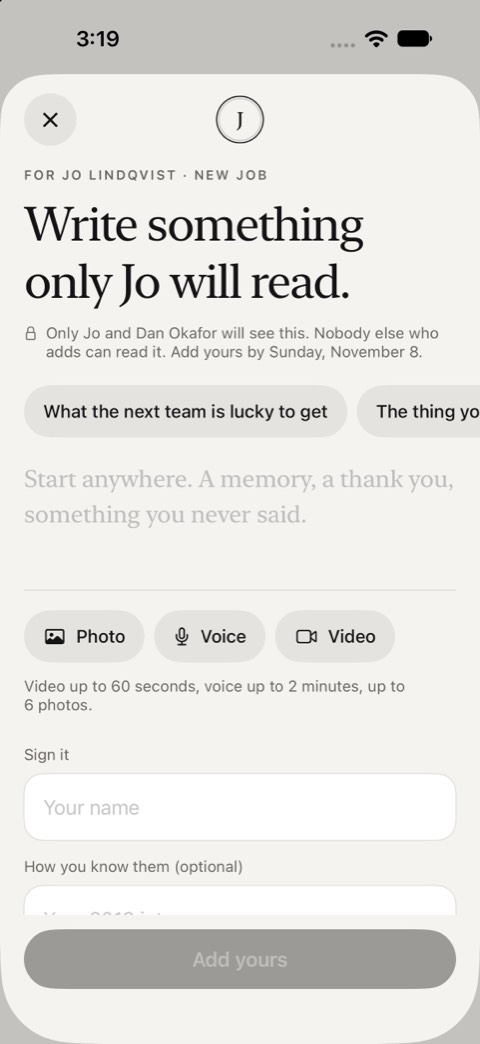
Everyone adds privately
A note, photos, a voice note or a video, from any phone or computer. No account, no app.
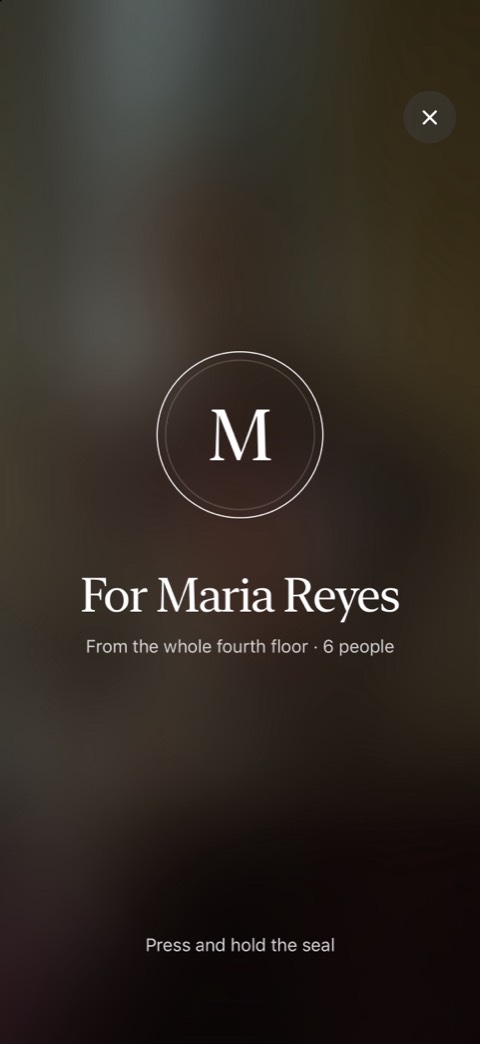
They open it on the day
It stays sealed until then. They press and hold the seal, and the entries open one at a time.


What goes in
More than a signature.
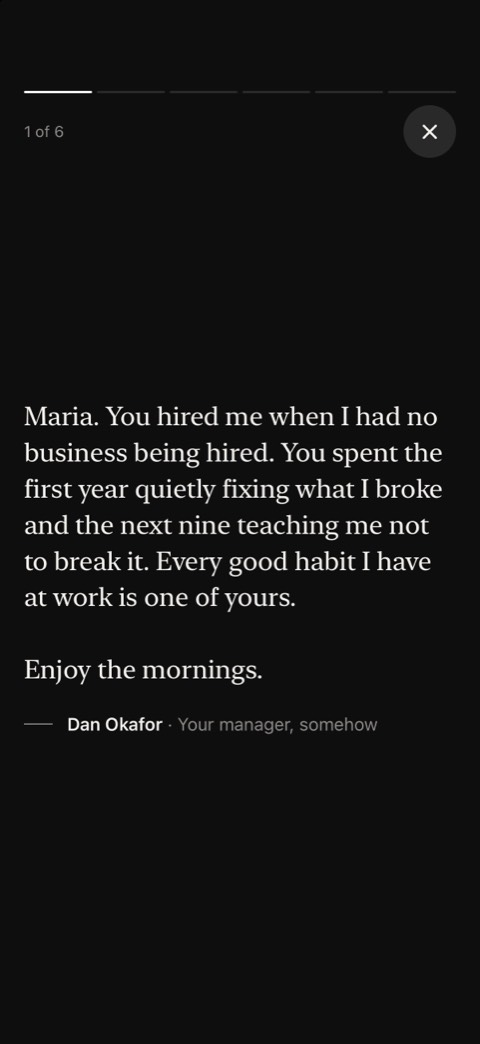
A note
Written for one reader, not the room.
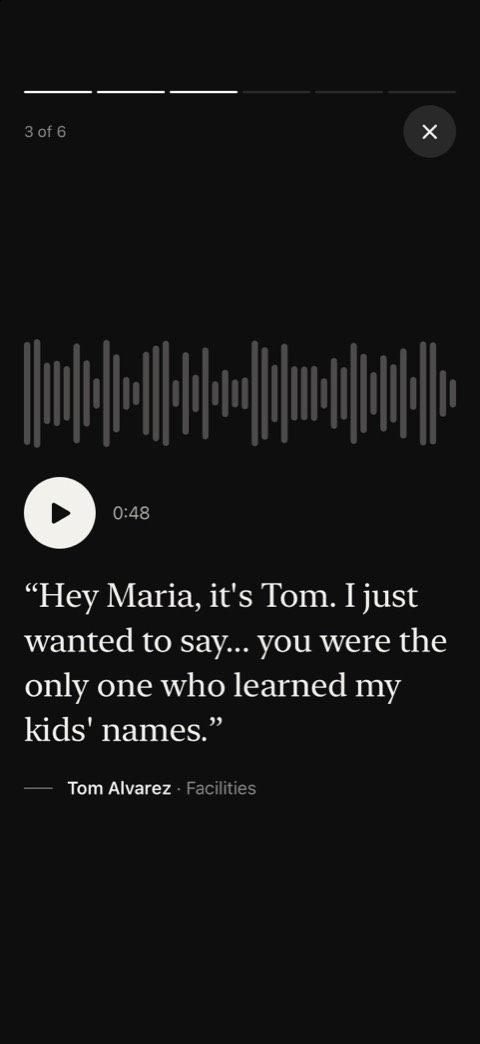
A voice note
Up to two minutes. The part people replay.
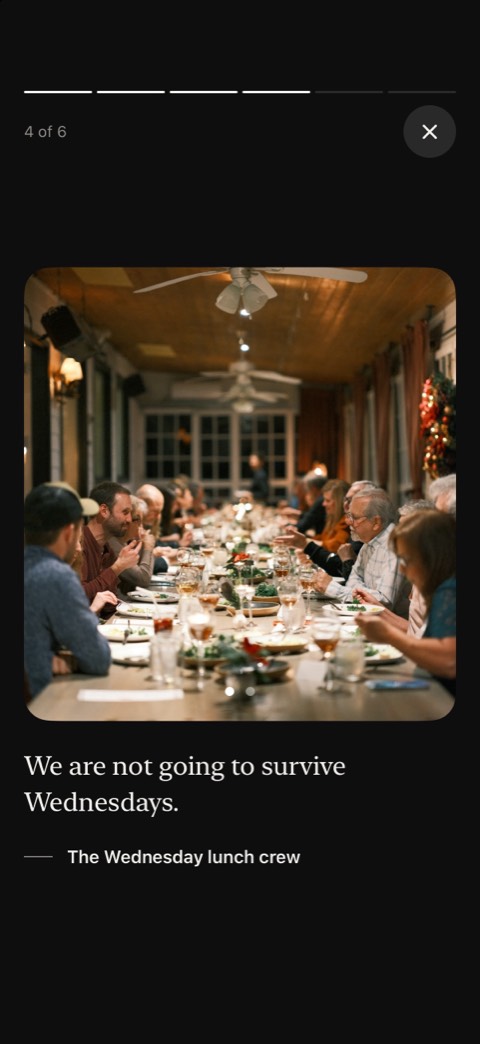
Photos and video
Up to six photos with each entry, or a minute of video.


Military sendoff
Everyone who served with them
Send the link to the current unit and the ones before it. People add from their phone in a couple of minutes: a note, photos from the field, a voice note, a short video.
Families can add too. The spouse who held things together through a deployment often has the best words.
Military sendoff
Private by design
Only the person it is for and the organizer read the entries. Nothing is posted publicly, and the link is the only way in, so share it the way you would share the envelope itself.
Prompts
Something to start from.
Anyone stuck on where to start gets a few prompts, written for the occasion.
- Best memory from the unit
- Something you taught us
- A story from the field
- What we’ll miss
- Final words before you move on
Cost
Free to start.
Starting one and collecting up to 10 entries is free. When more people want in, the organizer pays once for that Sendoff: $8.99 for up to 100 entries, or $14.99 for no limit, every paid look and a song from Apple Music. Nobody who adds to it or opens it pays.
Running these for a whole company or school? Sendoff for teams covers every one for a year.
Questions
Before you start.
Can people add from overseas?
Yes. Anyone with the link and a connection can add, on any phone or computer, wherever they are stationed.
Does everyone need the app?
No. Only the organizer uses the iPhone app, to start it and share the link. Everyone else adds from the link or a QR code in any browser, with no account. The person it is for opens it on any phone or computer.
Who can read what people write?
Only the person it is for and the organizer. People who add cannot read each other’s entries unless they choose to share theirs with the others who added.
What does it cost?
Starting one and collecting up to 10 entries is free. Sendoff ($8.99) holds up to 100 entries and Sendoff Plus ($14.99) has no limit. The organizer pays once, in the app; nobody who adds to it or opens it pays.
Can they keep it?
Yes. After the day it stays theirs to come back to, and they can print it or save it as a PDF.
Everyone adds privately.
One person opens it, on the day.
Coming soon to the App Store.
Organizers start one in the iPhone app. Everyone else just needs the link.