Teacher appreciation
Thank a teacher
in their students’ words.
For Teacher Appreciation Week or the last day of school. A class parent starts it, every family adds something, and the teacher opens a year of thank-yous, one at a time.
Coming soon to the App Store.
Organizers start one in the iPhone app. Everyone else just needs the link.

Thank a teacher
Mr. Patel
From Room 14 and their families
How it works
Four steps, one link.
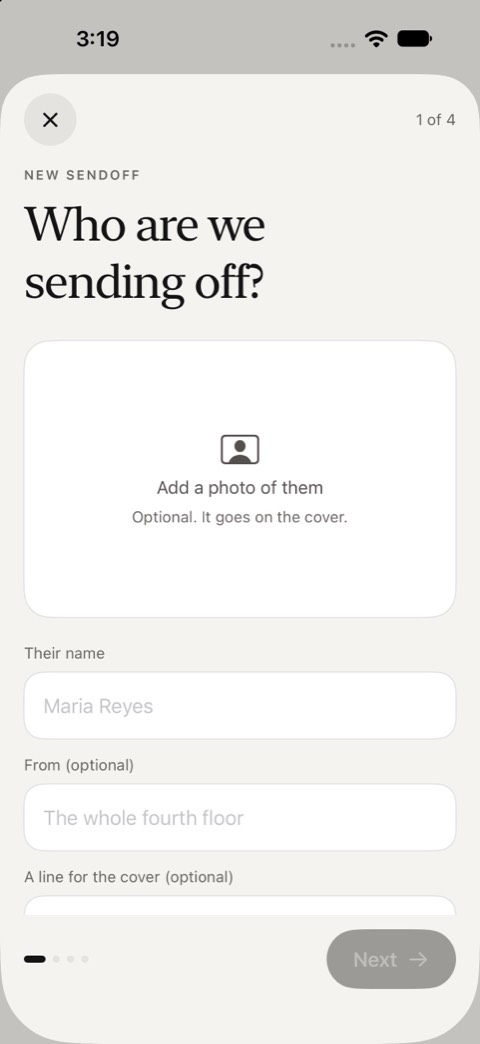
Start it in the app
Who it is for, a photo if you like, and when it opens: on a date, or when you say. It takes a couple of minutes on iPhone.
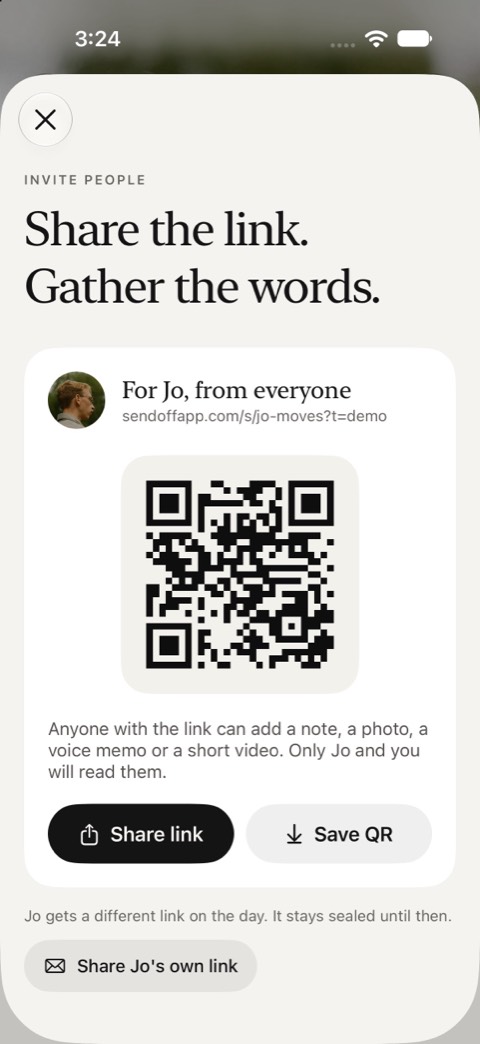
Share one link
Send it wherever your group talks, or print the QR card for the break room or the inside of a real card.
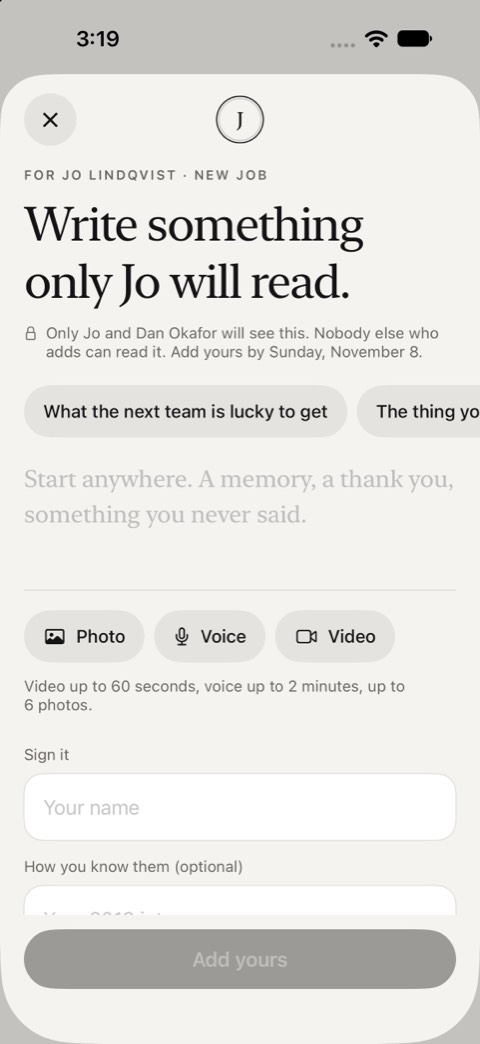
Everyone adds privately
A note, photos, a voice note or a video, from any phone or computer. No account, no app.
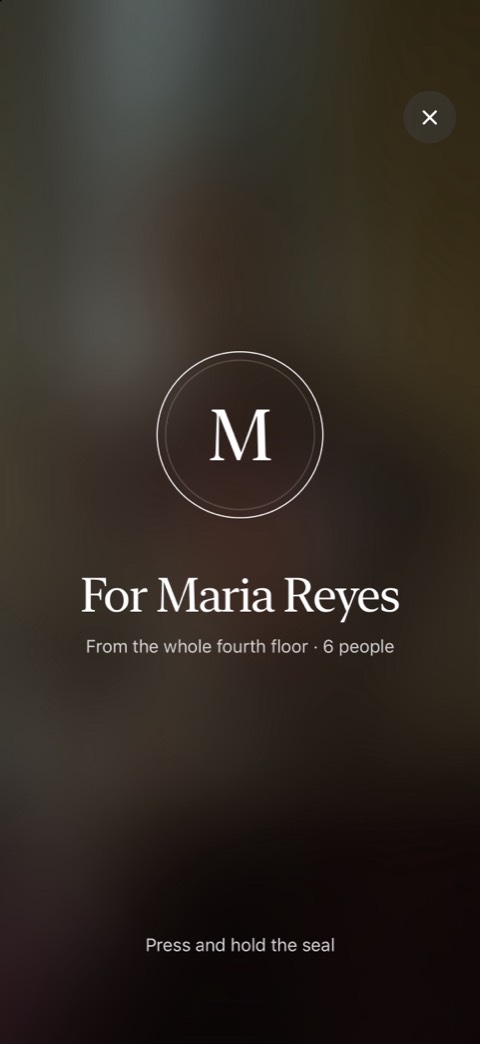
They open it on the day
It stays sealed until then. They press and hold the seal, and the entries open one at a time.


What goes in
More than a signature.
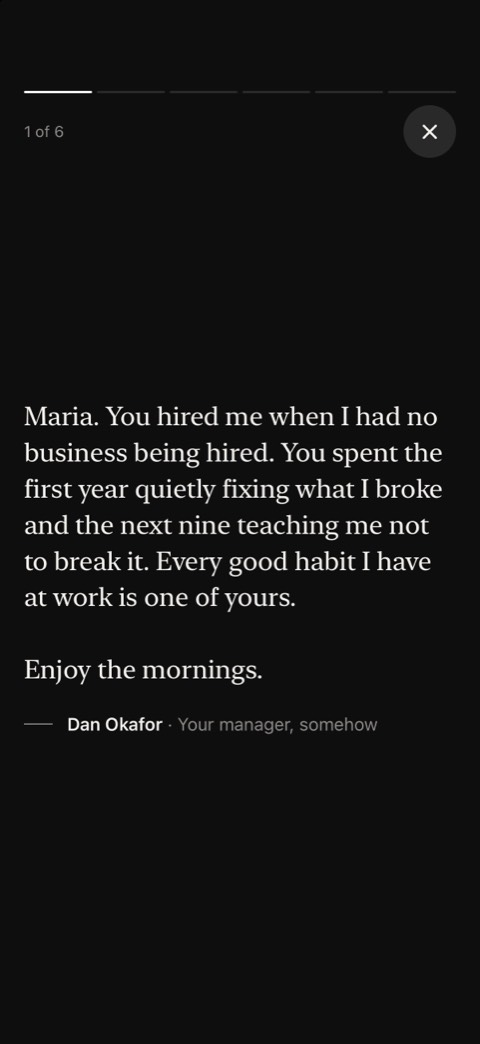
A note
Written for one reader, not the room.
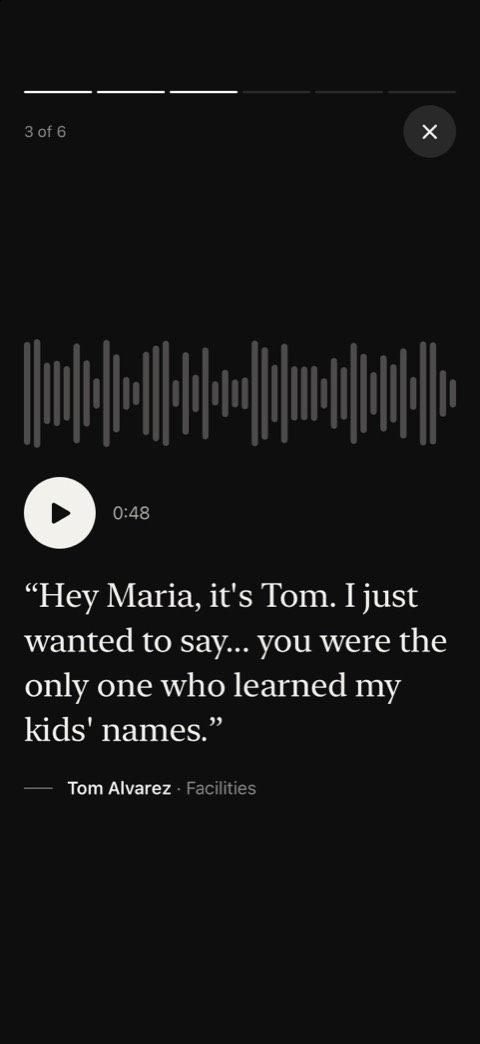
A voice note
Up to two minutes. The part people replay.
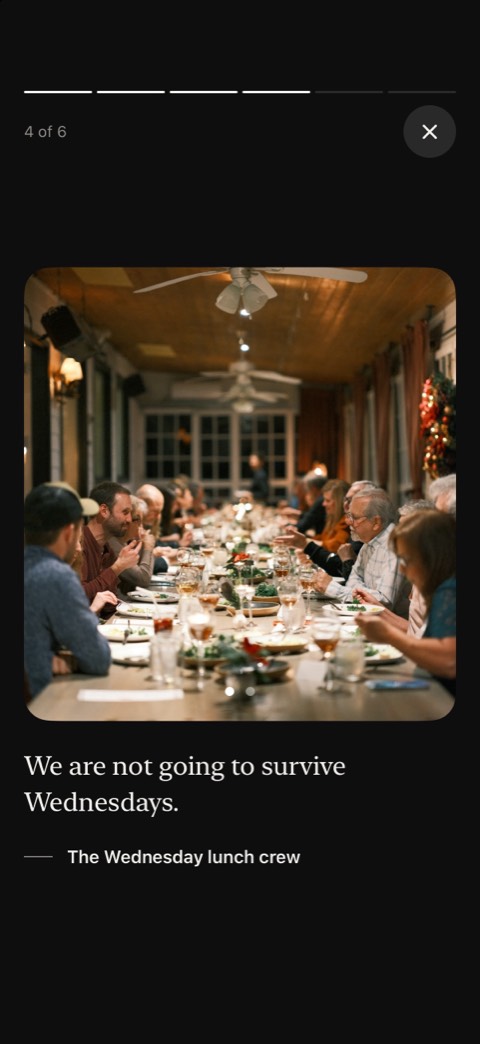
Photos and video
Up to six photos with each entry, or a minute of video.


Teacher appreciation
Easy for every family
Send one link in the class group chat, or print the QR card for the classroom door. Parents add from their phone in a couple of minutes, with no account and no app.
Younger children can draw something for a parent to photograph, or say their thank-you as a voice note or a short video. It is the part teachers tend to replay.
Teacher appreciation
Better than another mug
Teachers keep the notes they are given. Sendoff keeps them in one place: sealed until the day, then theirs to come back to.
Prompts
Something to start from.
Anyone stuck on where to start gets a few prompts, written for the occasion.
- Something they said that stuck
- A day that changed things
- What my kid says at dinner
- Thank you for...
Cost
Free to start.
Starting one and collecting up to 10 entries is free. When more people want in, the organizer pays once for that Sendoff: $8.99 for up to 100 entries, or $14.99 for no limit, every paid look and a song from Apple Music. Nobody who adds to it or opens it pays.
Running these for a whole company or school? Sendoff for teams covers every one for a year.
Questions
Before you start.
Can children add to it?
A parent or carer adds the entry on their child’s behalf; Sendoff is not meant for children under 13 to use on their own. Many record their child reading what they wrote.
Does everyone need the app?
No. Only the organizer uses the iPhone app, to start it and share the link. Everyone else adds from the link or a QR code in any browser, with no account. The person it is for opens it on any phone or computer.
Who can read what people write?
Only the person it is for and the organizer. People who add cannot read each other’s entries unless they choose to share theirs with the others who added.
What does it cost?
Starting one and collecting up to 10 entries is free. Sendoff ($8.99) holds up to 100 entries and Sendoff Plus ($14.99) has no limit. The organizer pays once, in the app; nobody who adds to it or opens it pays.
Can they keep it?
Yes. After the day it stays theirs to come back to, and they can print it or save it as a PDF.
Everyone adds privately.
One person opens it, on the day.
Coming soon to the App Store.
Organizers start one in the iPhone app. Everyone else just needs the link.